Group Study Room Reservations
Study Together
Rooms available for up to 12 people
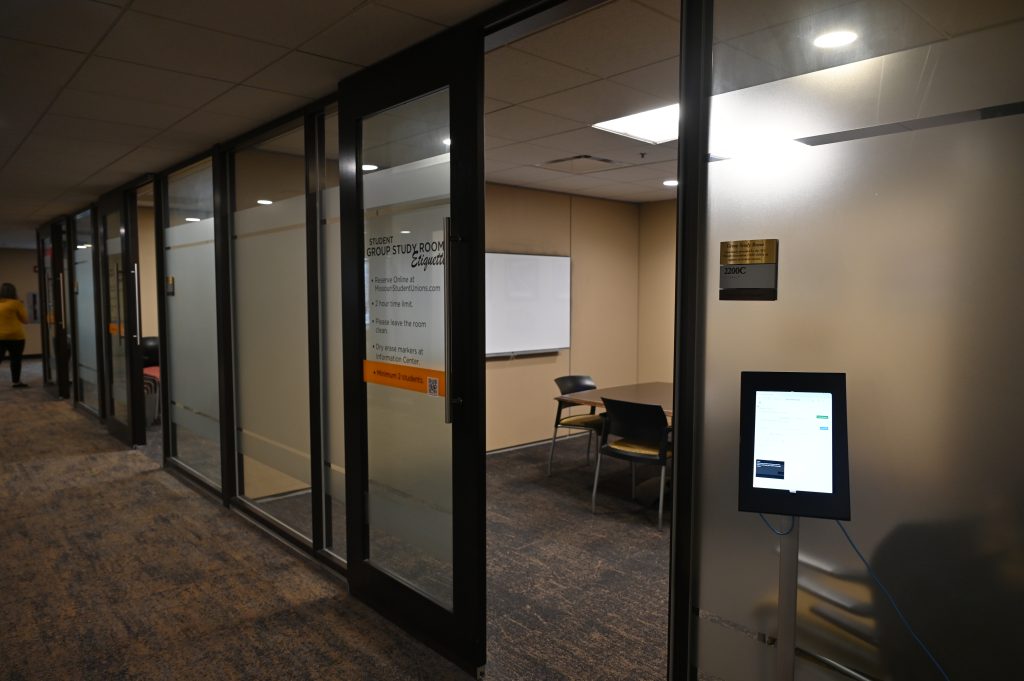
Need a quick place to meet or study? Group study rooms on the second floor of the MU Student Center can be reserved using on-site kiosks or online.
Reservation Instructions
-
Log into the Reservations & Events room reservation website from either the on-site kiosk or the online link above.
If using a kiosk, this will be on the first screen that appears.
-
Under "My Home," select "Reserve a Study Room" from "My Reservation Templates."
-
Enter your preferred date.
Rooms can be reserved up to two weeks in advance.
-
Choose your start and end times.
Minimum=30 minutes
Maximum=two hours -
Enter the number of attendees.
Minimum=two people
Maximum=12 people -
Click "Search."
-
Select a room by clicking the green plus sign (+) next to your preferred space.
If no rooms display, none are available for your selected times and dates. Try a different date or time, or select the “Schedule” tab under “Room Search Results.”